To make your portfolio more interactive you need to add widgets and blocks as well as multimedia. This is a lot easier to do than you may think.
- Start off by finding the right page to add your interactive source.
- Decide whether to add widgets/blocks or multimedia.
- If you chose multimedia follow the following steps.
Adding Multimedia
Adding multimedia is quite simple.
- Decide what photo you want to add.
- Then press this button
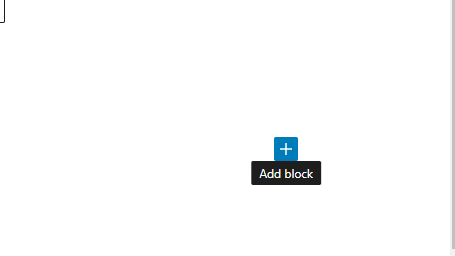
3. After pressing this button you will be presented with many different selections and options.
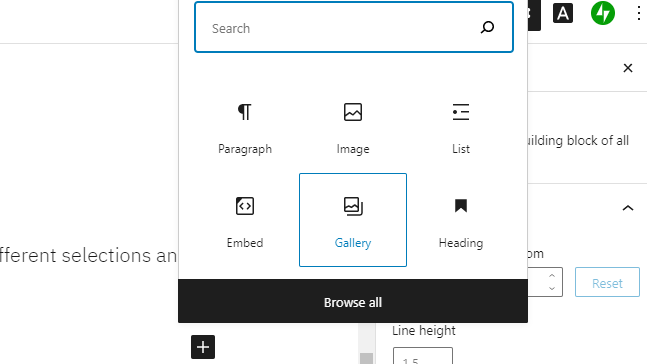
4. Press Gallery and select your photo from the options.
Adding Blocks and Widgets
Follow the same steps as before, click the plus button but instead of pressing the gallery button, press browse all this gives you the full access, just clicked the desired blocks and widgets and it will go onto your page.
 Meg's Blog